
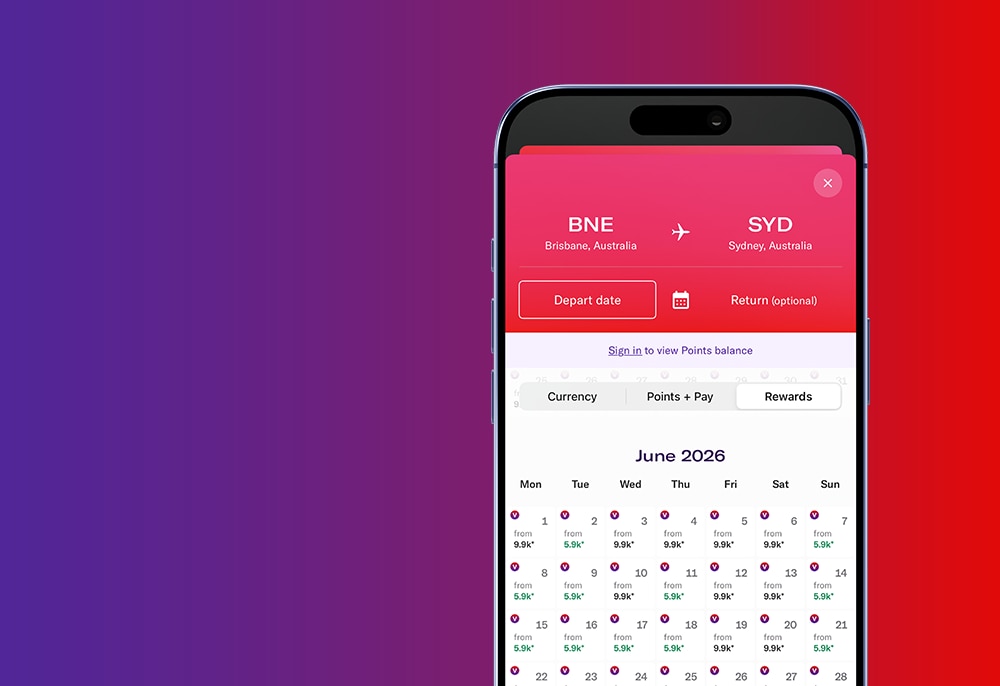
Booking Reward Seats with Virgin Australia
Your search starts with Virgin Australia. Compare cabins and ways to pay - all in one place.*
00
Hrs
00
Mins
00
Secs
Meet Quick Compare
All side-by-side. No repeated searches. No guesswork.
It's time to search smarter with Virgin Australia because booking your trip should feel as smooth as the journey ahead.
Here's how to book your Reward Seat
-
Visit the Virgin Australia website
Go to https://www.virginaustralia.com/au/en/ and log in using your Velocity membership number and password
-
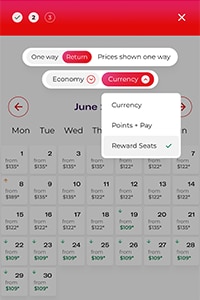
Start a flight search
Ensure the 'Use Velocity Points' toggle is switched on in the flight booking engine and enter your destination and preferred travel dates
-
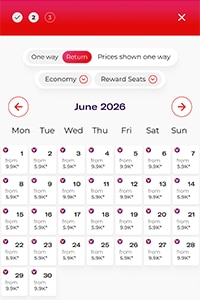
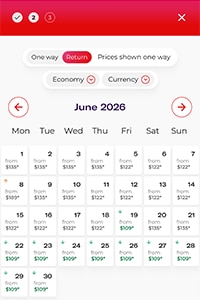
Compare Reward Seat prices
Look for the purple 'Reward Seat available' icon in the calendar and select an Economy Reward or Business Reward fare for your preferred flight
Start searching now